

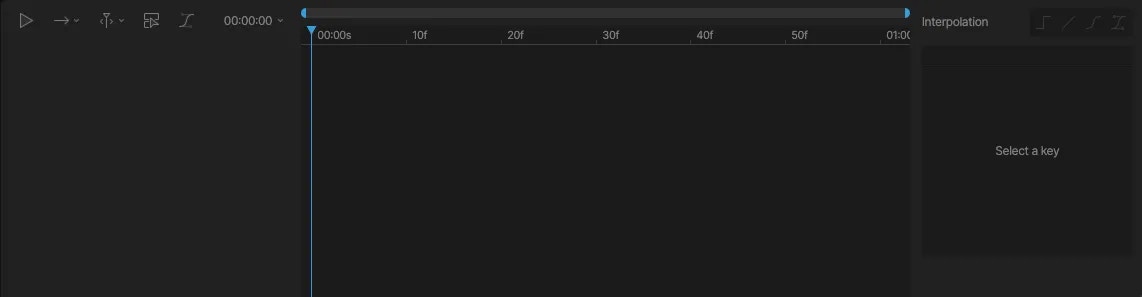
Animation type
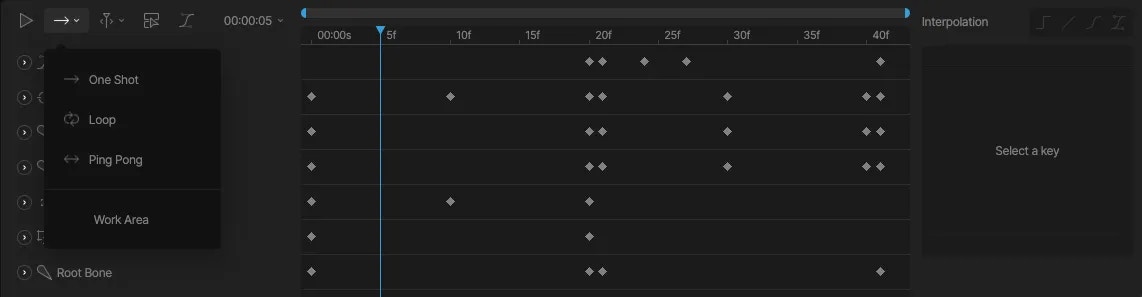
Navigate Timeline
The Navigate Timeline menu gives you a list of helpful shortcuts to navigate the Timeline.
Show Only Selected
The Show Only Selected toggle can be helpful when dealing with animations with many different objects keyed. When this option is toggled on, only objects that you have selected will appear on the timeline.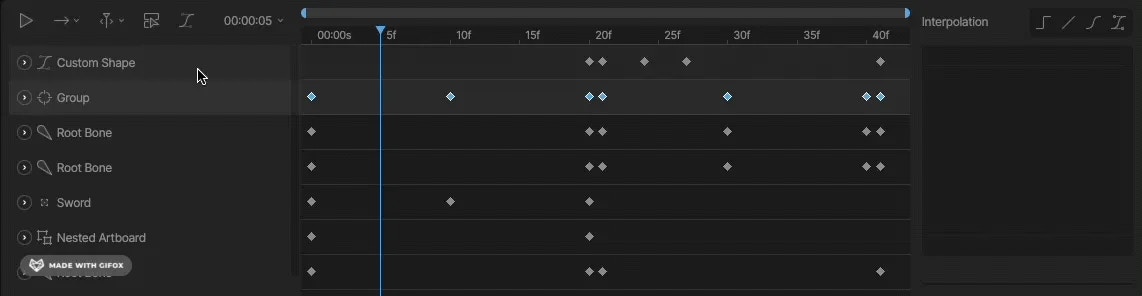
Timeline Options
Located to the right of the playback select, the Timeline Options show you the current time, duration, playback speed, and snap keys options.